





The ideal interactive display for every teacher
Affordable, efficient, and highly accessible: with the Prowise Touchscreen Ten, every teacher can get started straight away. No hassle, just convenience. A display where every function feels logical and intuitive.
- Works with the familiar Android operating system, Google EDLA-certified
- Direct access to essential educational tools via Prowise Central
- High-end specifications for top performance in the classroom
Your display up close

-
Two USB-C ports with power
The Prowise Touchscreen Ten has two all-in-one USB-C connections for video, audio, touch, internet, and 100W power.
-
Two included pens
Two pens with pick-up recognition, adjustable in thickness and colour, make the writing experience even more intuitive for teacher and student.
-
Thoughtful design, perfect sound
Enjoy optimal sound thanks to the fabric finish over the 2.1 soundbar. The display is equipped with no fewer than eight wide-area microphones.
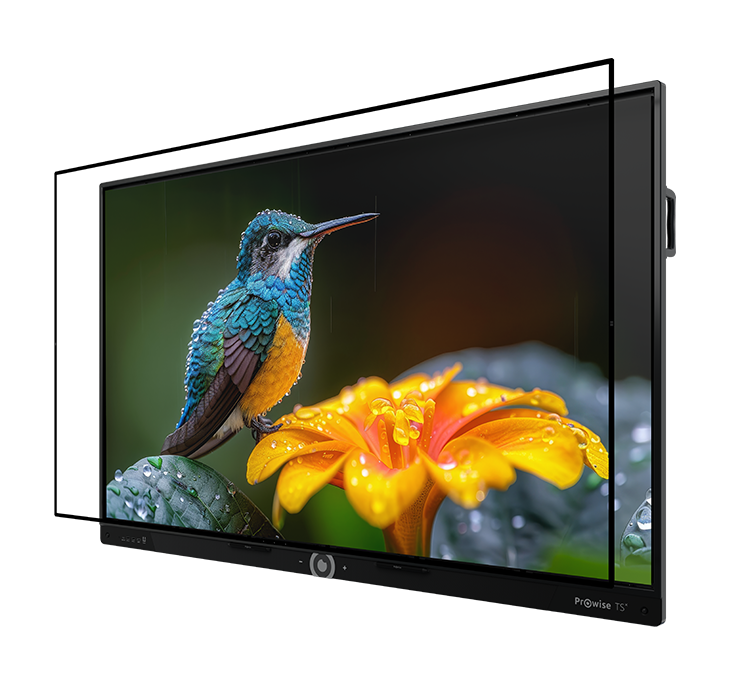
Revolutionary image quality for education
The Prowise Touchscreen Ten combines a unique nano-textured glass panel with zero bonding 2.0 technology and advanced IR touch. This gives you razor-sharp images with reduced reflection, glare, and fingerprints, and a writing experience that feels intuitive and natural. Perfect visibility in any lighting condition and unique in this price range.
Smart combination of Google EDLA and Prowise Central
The Prowise Touchscreen Ten combines the best of both worlds. This interactive display runs on Google EDLA, a safe and familiar Android environment. On top of that comes Prowise Central: our own layer full of smart educational tools and settings, created specifically for schools. Everything works seamlessly together, so you can get started right away.

Google EDLA
Secure and familiar Google foundation
- Recognisable interface similar to an Android tablet
- Full access to the Google Play Store
- Organise your apps: pin or group into folders
- Supports split screen and free window mode
- Always up-to-date through official Google updates
- Extensive settings menu
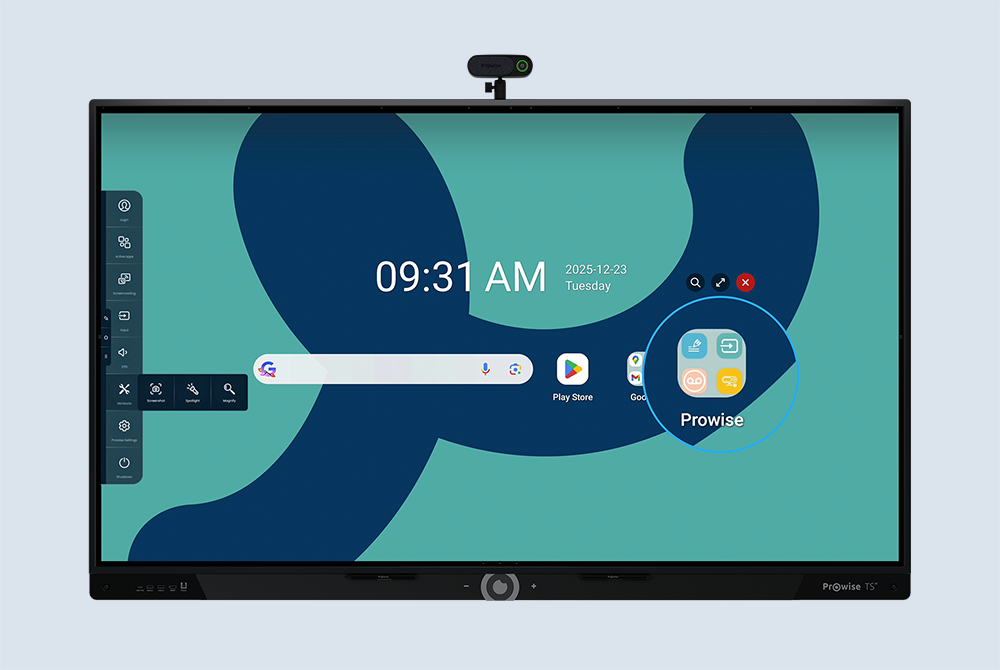
Prowise Central
Packed with classroom tools
- Familiar Prowise menu with handy utilities
- Direct access to Prowise apps such as Prowise Teach and minitools
- Control your hardware: lift system, volume, image and sound settings
- Built-in screencasting, up to 30 devices simultaneously via AirPlay, Chromecast and Miracast
- Manage all your Prowise touchscreens via Prowise Screen Control

Create personalised lessons with Prowise Teach
With Prowise Teach, our smart whiteboard software, you can teach effortlessly on the Prowise Touchscreen Ten. Everything works quickly, clearly, and feels instantly familiar. Write. Draw. Explain. Just the way you want. And thanks to integrated AI features, your lessons become more efficient and more interactive than ever. From planned instruction to spontaneous inspiration: Teach brings every lesson to life.
Data & Sustainability
With the Prowise Touchscreen Ten, you choose a safe, sustainable, and future-proof solution. Our unique approach is confirmed by independent, leading authorities and organisations.

Smartly built, trusted in Europe
The Prowise Touchscreen Ten is designed in Budel, under 100% European ownership and with all servers hosted in Europe.
It includes BSI-certified educational and management software, so you can work without worry. The display combines innovation and performance with long-term protection and uncompromising data security.

Sustainable to the core
The screen excels in energy efficiency. Thanks to smart features, you can save up to half on energy costs without compromising performance. The Prowise Touchscreen Ten proudly carries the ENERGY STAR and EcoDesign labels. Proof that sustainability, reliability and ease of use go hand in hand.
Work the way you want
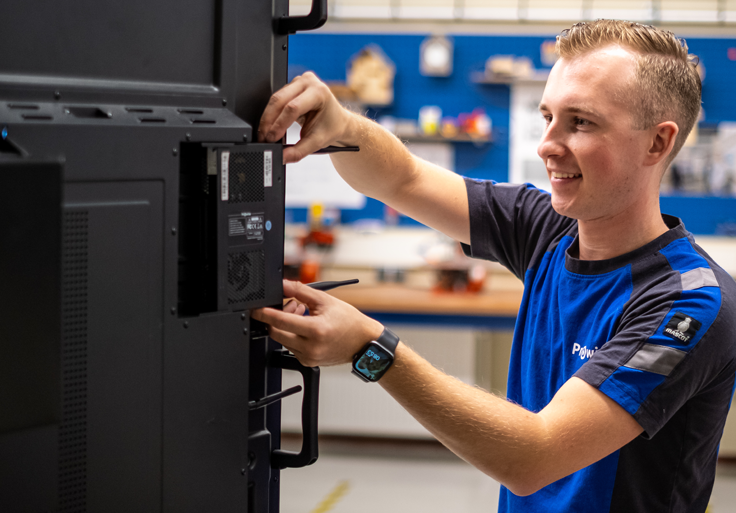
Want the convenience of a full computer inside your display? Expand your Prowise Touchscreen Ten easily with a Prowise PC-module. Work directly from Windows 11 or ChromeOS, fully integrated into your screen.
Choose what suits you:
- Windows 11: the ideal choice for a familiar desktop experience with Windows apps.
- ChromeOS: the smart choice for schools using Chromebooks and Google Workspace for Education.
Peace of mind for 5+ years
Software-updates
Regular software updates with new features
Free educational software
Free access to the Prowise Teach educational software
Built-in screencasting
Built-in screencasting via AirPlay, Chromecast and Miracast
Prowise Screen Control
Remote management via Prowise Screen Control
Google Play Store
Access to the full Google Play Store
Warranty and service
Full warranty and fast, personal service
Specifications

Prowise Touchscreen Ten G4
Complete your Prowise Touchscreen Ten
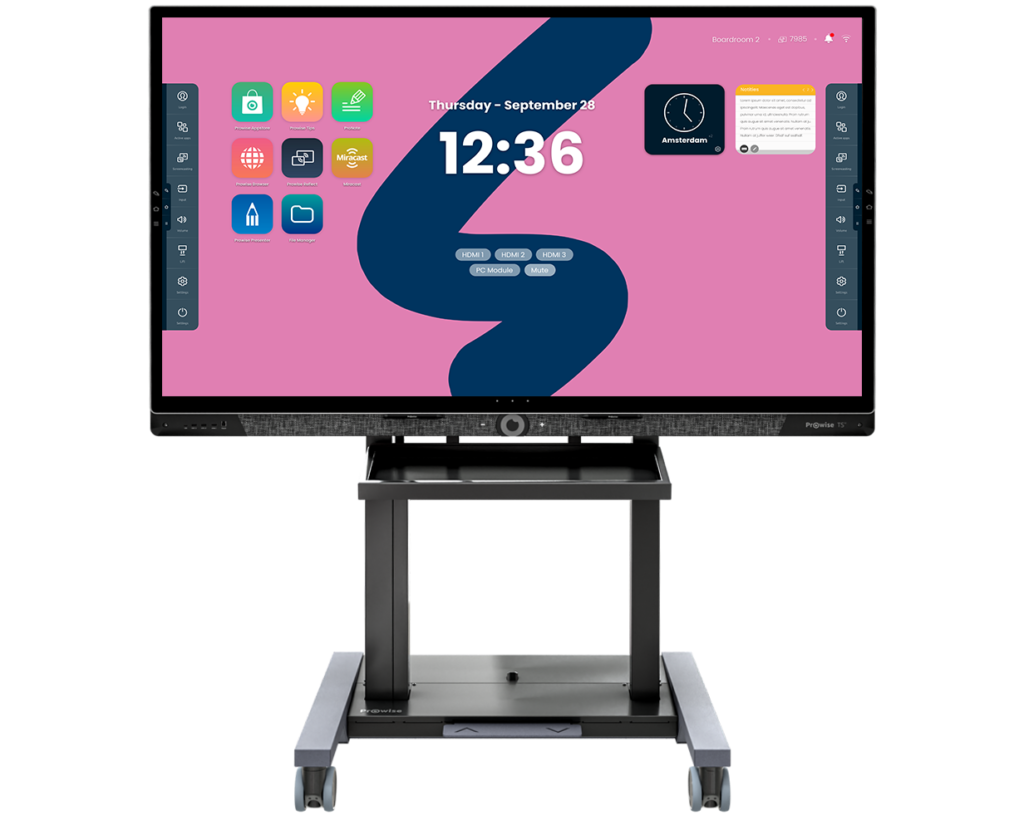
Prowise Neo Lift Systems
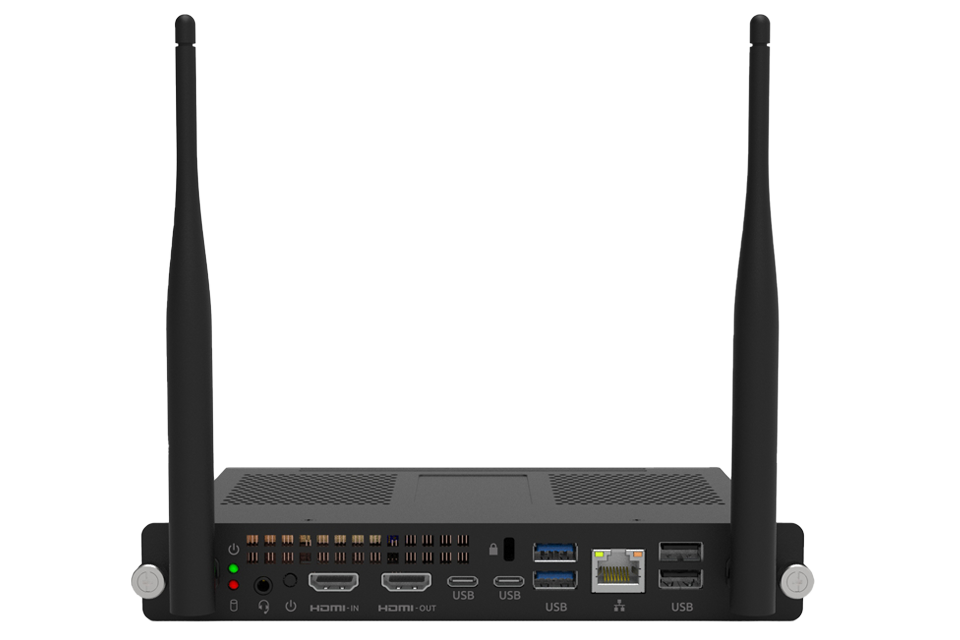
Prowise Pc-modules
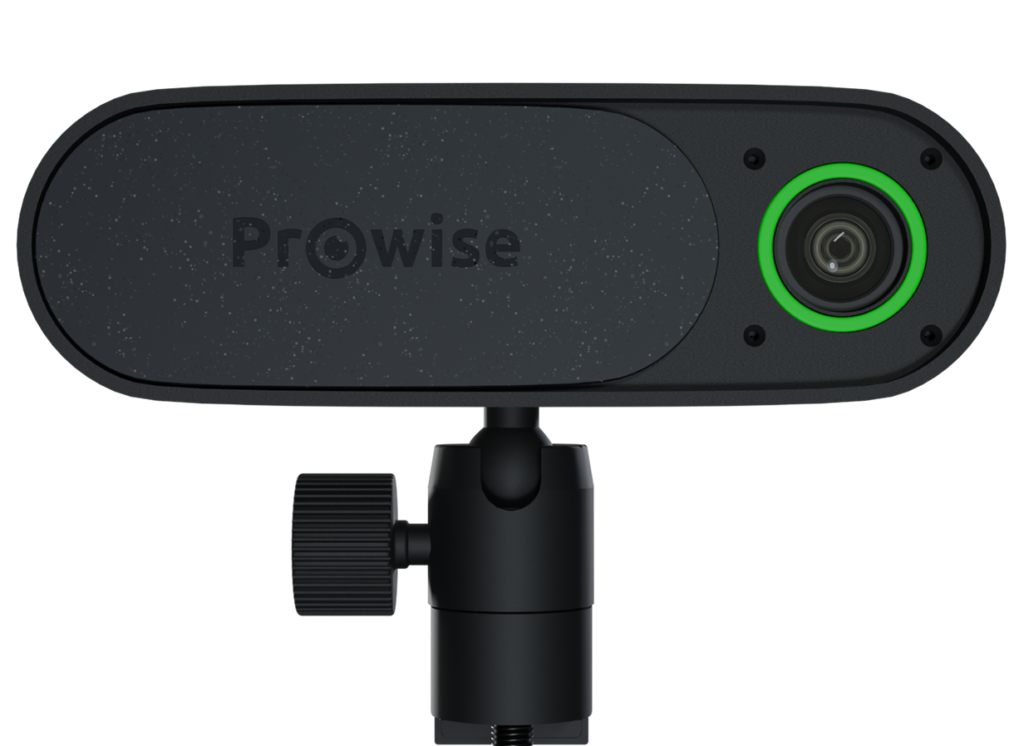
Prowise 4K Move Camera

Prowise Screen Control
