




Prowise Teach

Make Your Lesson Complete
Take notes and teach exactly how you want, with tools specifically designed to align with classroom practice.
Consider easy writing and drawing, adding images or backgrounds, and utilizing AI to work even more efficiently. Fully tailored to you as a teacher, allowing you to focus on what truly matters: teaching.
The Foundation, Meticulously Designed

Whiteboard tools
Write, draw, highlight, and erase with one click. Or add typed text to further emphasize your explanation.

Shapes and lines
Effortlessly insert lines, arrows, and geometric shapes to make your lesson visually impactful.

Tools
Set a timer, use a ruler, spin the wheel, or open the calculator. Convenient tools for structure and interaction.

Backgrounds
Work with lined, squared, or mathematical backgrounds. Adjust color and size as you wish.

Edit objects
Drag, duplicate, group, or organize elements in your lesson. Everything is easily editable with the selection button.

Save locally
Lesson finished? Save it locally and open it whenever you want to continue. Your lesson, always at hand.
Smart AI in Teach
Sometimes you want to give your lesson material a different approach or twist. With the AI functions in Prowise Teach, you can easily adjust texts and images directly on your interactive whiteboard.
And the best part? You always work securely. The AI in Teach runs entirely within our own, protected Prowise environment. No external tools, no data sharing, but powerful functions that enrich your lesson and respect your privacy.

Text Tools
Effortlessly give your text the right tone and form. With one tap:
- Make your text more concise
- Expand your text with additional explanation
- Convert running text into a clear bulleted list
- Automatically check spelling and grammar
- Adjust your language to the age of your students
- Translate directly to another language

Image Tools
Go beyond copy and paste. Edit images creatively and effectively:
- Generate an alternative image. Perfect if you need a royalty-free variant or are looking for something slightly different.
- Remove the background. Put the subject in focus.
- Adjust the style. Give your image a creative twist with styles such as cartoon, pencil drawing, or cyberpunk.

Write Over Lesson Material
Are you working on the interactive whiteboard with curriculum software, a website, or other lesson material and want to quickly elaborate on something? Grab your pen and immediately start writing or highlighting on the screen.
Annotating in Teach works intuitively and across any source, whether it’s a website, PDF, or app. Finished? Take a screenshot, and it will automatically appear on the Teach canvas, ready for further editing or saving.

European and 100% Prowise
Prowise Teach is developed entirely in-house, at our campus in Budel. Because we build everything ourselves, we can guarantee optimal quality, ease of use, and security.
Software development is BSI-certified and complies with the strictest privacy requirements. Teach is perfectly aligned with our touchscreens and continuously evolves based on feedback from the education sector. This way, we collectively determine the direction: transparent, secure, and future-oriented.
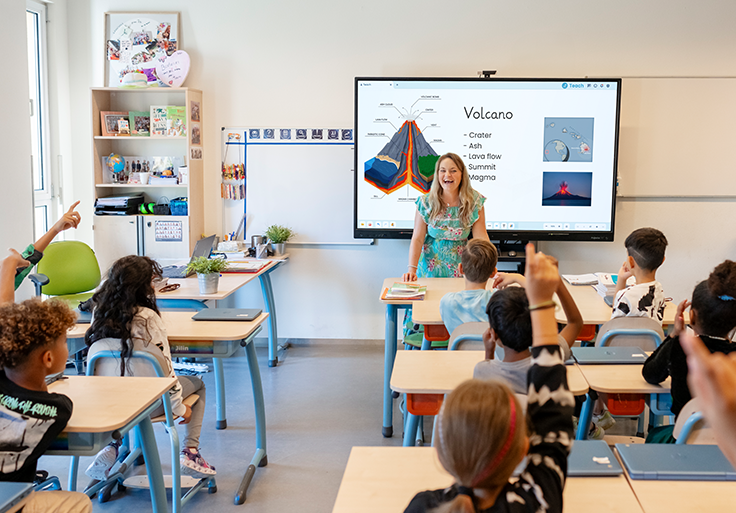
Teach Grows with You
Prowise Teach is developing into the platform for creating interactive lessons and presentations. It combines the best of Presenter with the latest technologies and insights from the classroom.
Our goal? One powerful, intuitive, and secure solution for digital teaching, which you can use for free, wherever and whenever you want. Eventually, Presenter will be phased out. Your existing lessons from Presenter will remain usable in Teach, allowing you to easily continue working.
What Can You Expect Soon?
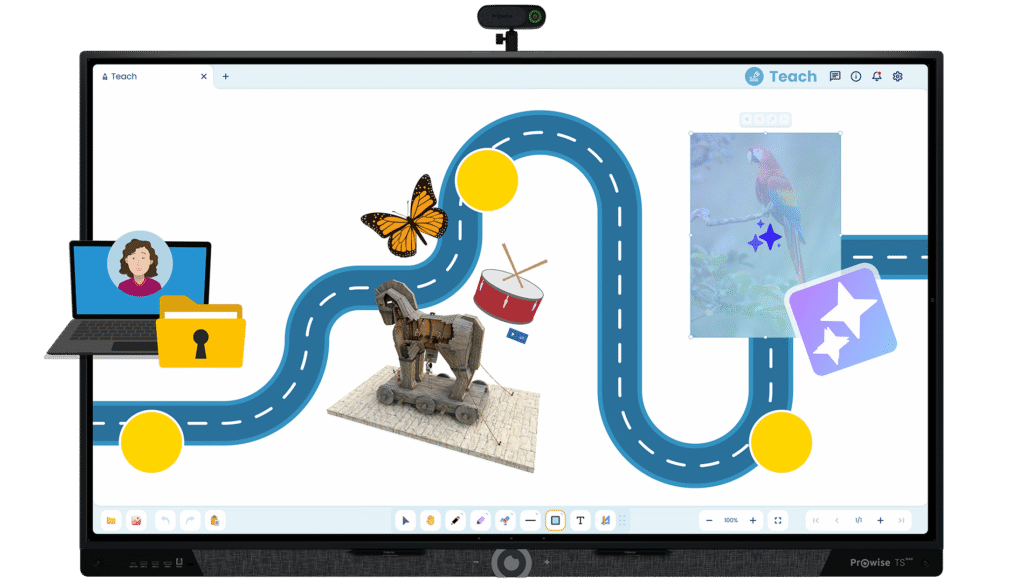
-
Web Version, Login, and Cloud Storage
Prepare your lessons at home on your laptop, save them securely in the cloud, and open them in the classroom via your own account on the interactive whiteboard.
-
Media Library
Discover interactive tools, 3D models, images, sounds, and videos. Everything you need for an engaging lesson, neatly organized.
-
New AI Tools
Generate images yourself or transform a sketch into a visual illustration. We are also working on smart support for lesson creation, as you are accustomed to from Tessa TeachAssist in Presenter.
Are You Already Using Prowise Teach?
You can download Prowise Teach from the Prowise Appstore on your interactive whiteboard*. Get started immediately, no account needed!
*Prowise Teach is currently available in the Appstore on the Prowise Touchscreen Ten (G2 / G3 / SE), Prowise Touchscreen Ultra, and Prowise Touchscreen One G2. On the Prowise Touchscreen Max, Prowise Teach is already pre-installed.
Discover Our Other Prowise Products
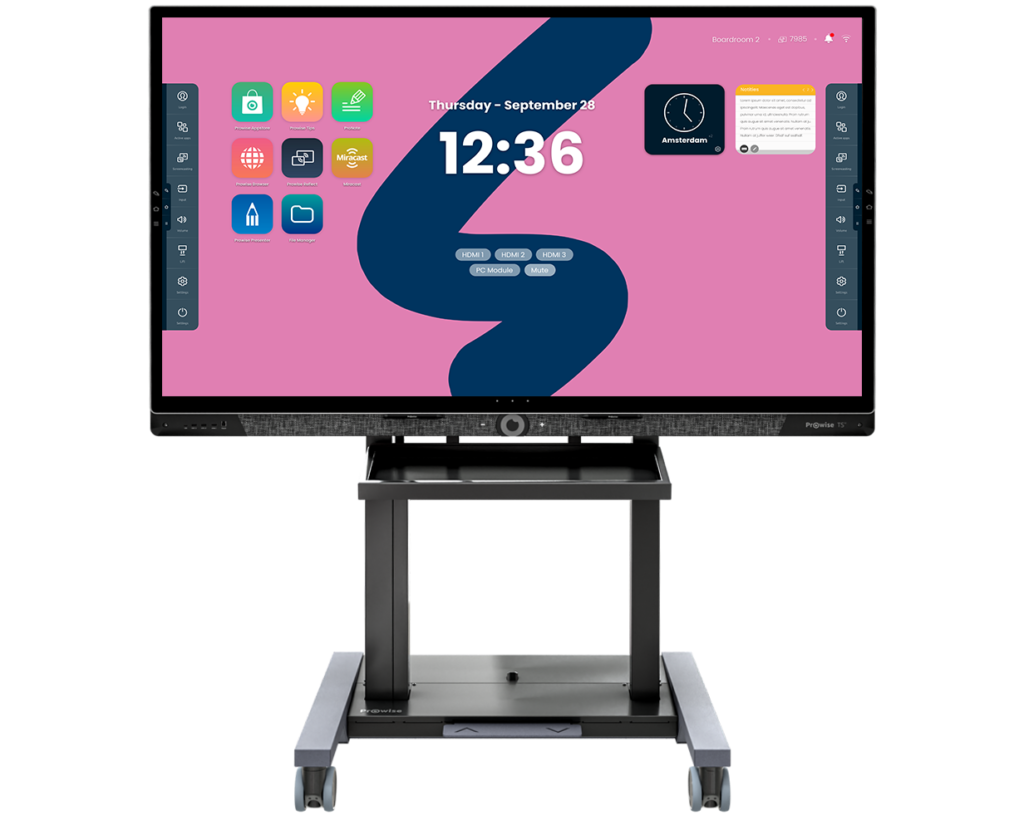
Prowise Neo Lift Systems
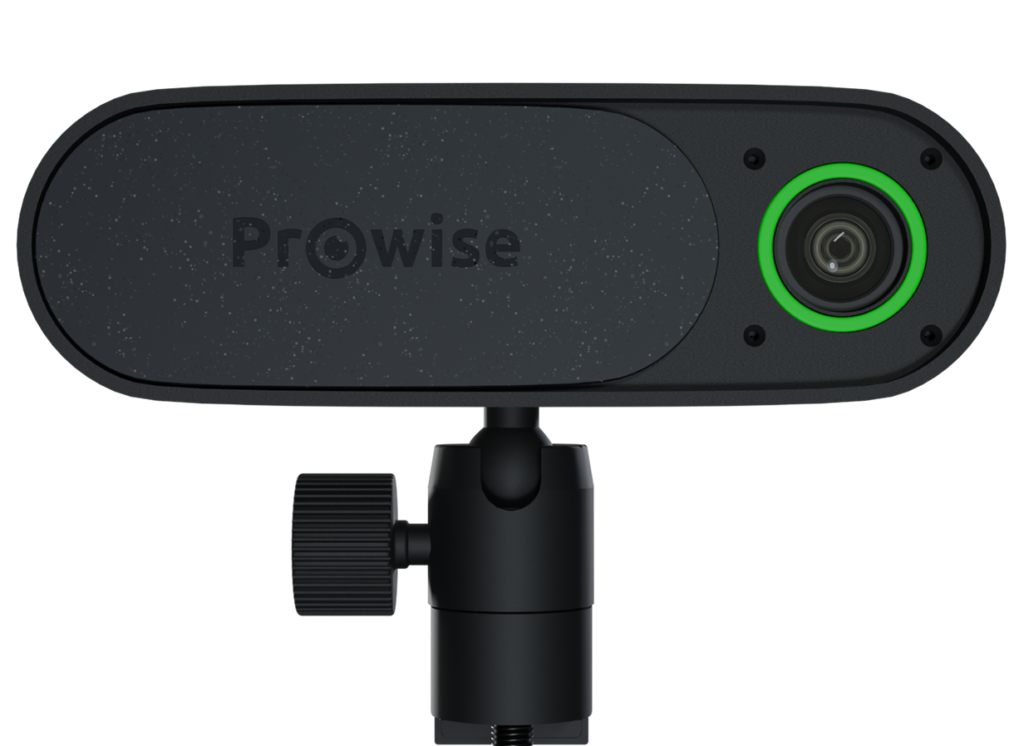
Prowise 4K Move Camera

Prowise Screen Control
