




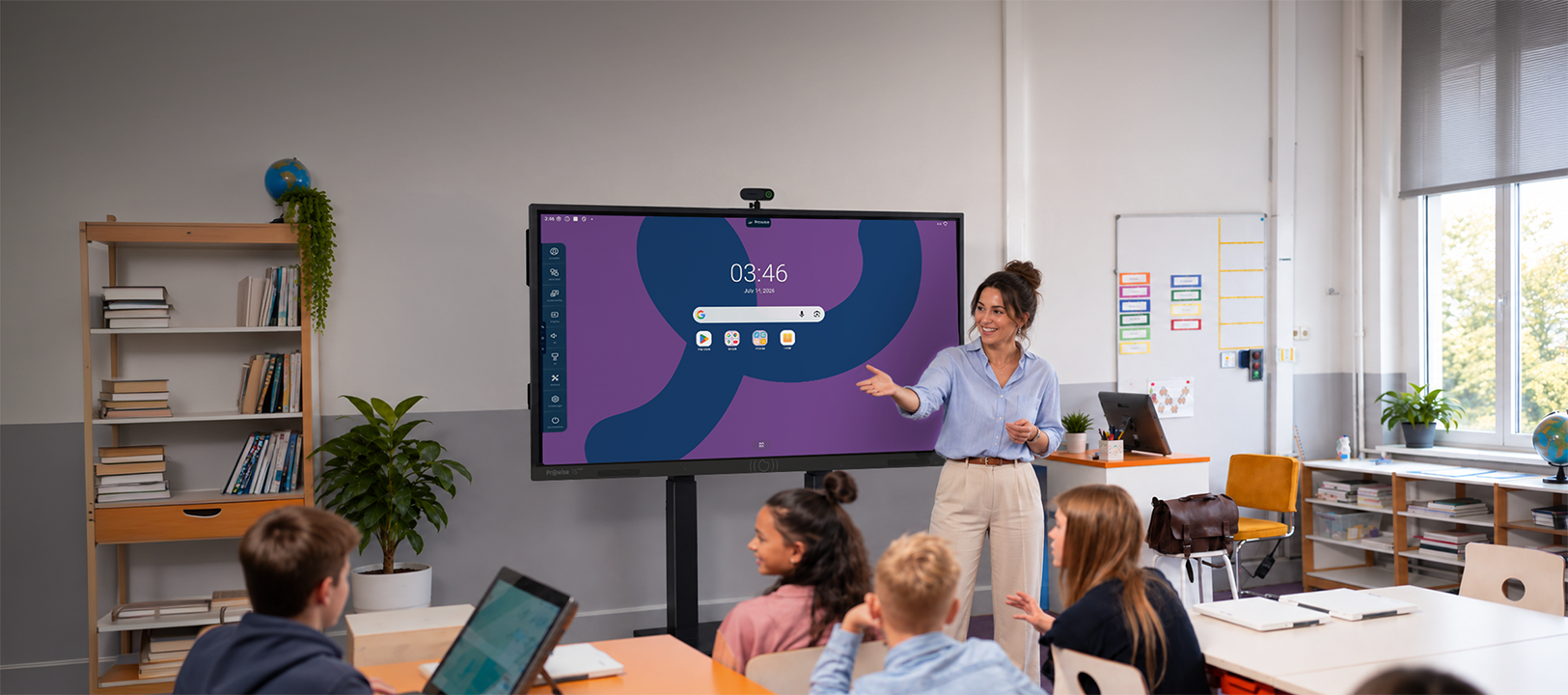
Strong foundation. Smart choice.
Everything you need daily in the classroom, developed in Europe.
Accurate writing
Write naturally with two pens
Ideal viewing experience
Sharp 4K image visible to everyone
One cable. Everything arranged
USB-C port as a docking station
Best of Google and Prowise
Fast, secure, and full of educational options
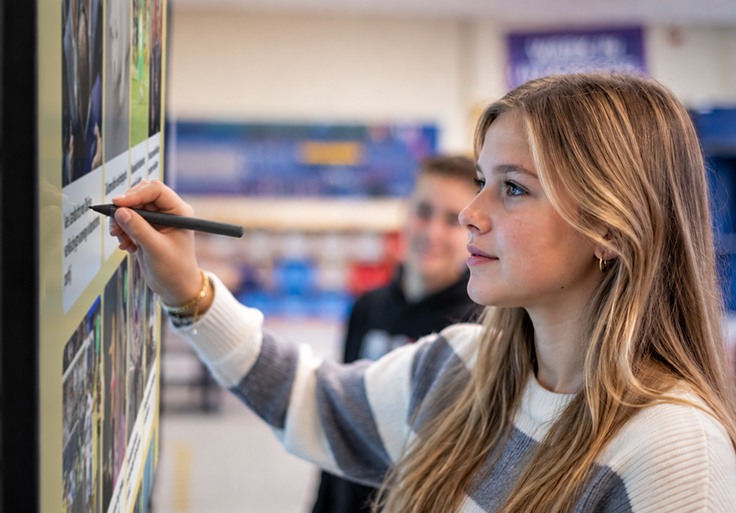
Accurate writing
Demonstrate a sum, circle a word, or create a mind map together. On the Prowise Touchscreen Pure, you write directly on the screen, without having to think about the technology behind it first.
Palm rejection ensures that your hand can simply rest on the screen while you write. With two pens in two colors, you can also easily collaborate. For example: you write the assignment in blue, a student fills in the answer with the second pen.
This way, the touchscreen naturally becomes part of your lesson.
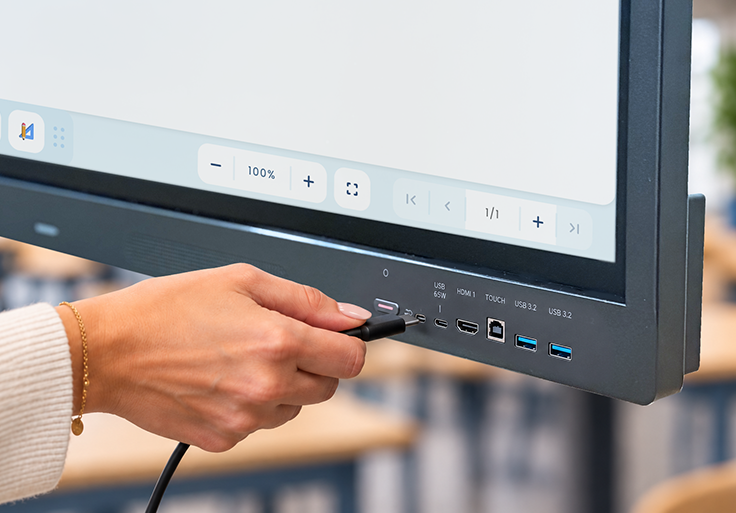
One cable, everything arranged
Your colleague has a presentation on their laptop, an external teacher arrives, or you work from your own device. Connect the laptop via USB-C, and video, audio, touch, and power all run through a single cable.
Additionally, the laptop is charged during use. So, no more separate HDMI cable, power adapter, and USB cable.
One cable and you’re ready to start. The USB-C port as a docking station.
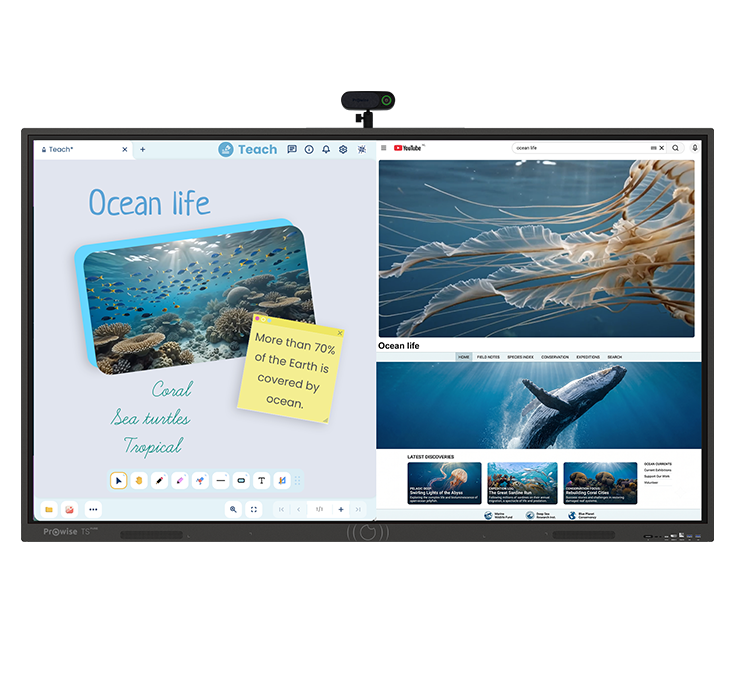
The best of Google and Prowise
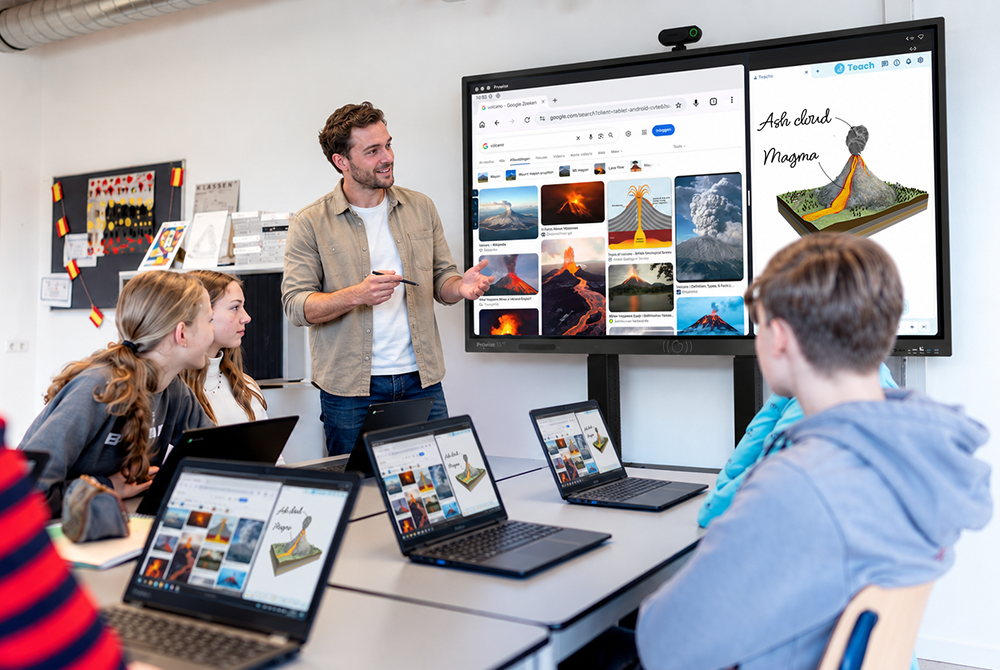
Teachers get the freedom of Google EDLA (Android 16) and the Google Play Store. Prowise adds an educational environment (Prowise Central) for fast and secure work. For example, you can:
- Use Prowise Teach for your daily instruction
- Open multiple apps side-by-side via splitscreen
- Utilize minitools during your lesson
- Wirelessly share content from laptops, tablets, and smartphones
- Control volume and the lift system from one environment
No unexpected extras
A competitive purchase price is appealing. However, a touchscreen only becomes truly interesting when you also maintain control over costs afterwards. That’s why you get 5 years of:
Warranty and service
You know what to expect if something happens to a touchscreen.

Software updates from Prowise in Europe
Your screen remains secure and up-to-date without you having to chase after it.
Prowise Central, Teach, and Screen Control
The software that teachers and IT need daily is simply part of your solution.
For the teacher and the IT department
Easy in the classroom. Easy to manage. BSI-certified.

For the teacher
Prowise Teach
Open the touchscreen and start teaching. With Prowise Teach, you have all important whiteboard functions directly at hand.
- Write and draw on an infinite canvas
- Choose from different pens, colors, and backgrounds
- Make notes on your lesson material
- Use handy minitools for education
- Prepare lessons and open them later on the touchscreen
Everything you need for your daily lesson, within reach.

For the IT professional
Prowise Screen Control
One touchscreen or hundreds of screens? From Prowise Screen Control, you manage them centrally.
- Install and manage approved apps
- Perform software updates centrally
- Create fixed environments with kiosk mode
- Adjust settings for groups or entire organizations
- View and control touchscreens remotely
This way, you can easily scale up without having to enter each classroom individually.
Specifications
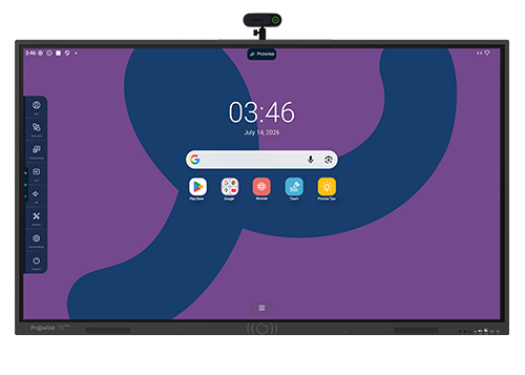
Prowise Touchscreen Pure
Complete your Prowise Touchscreen Pure
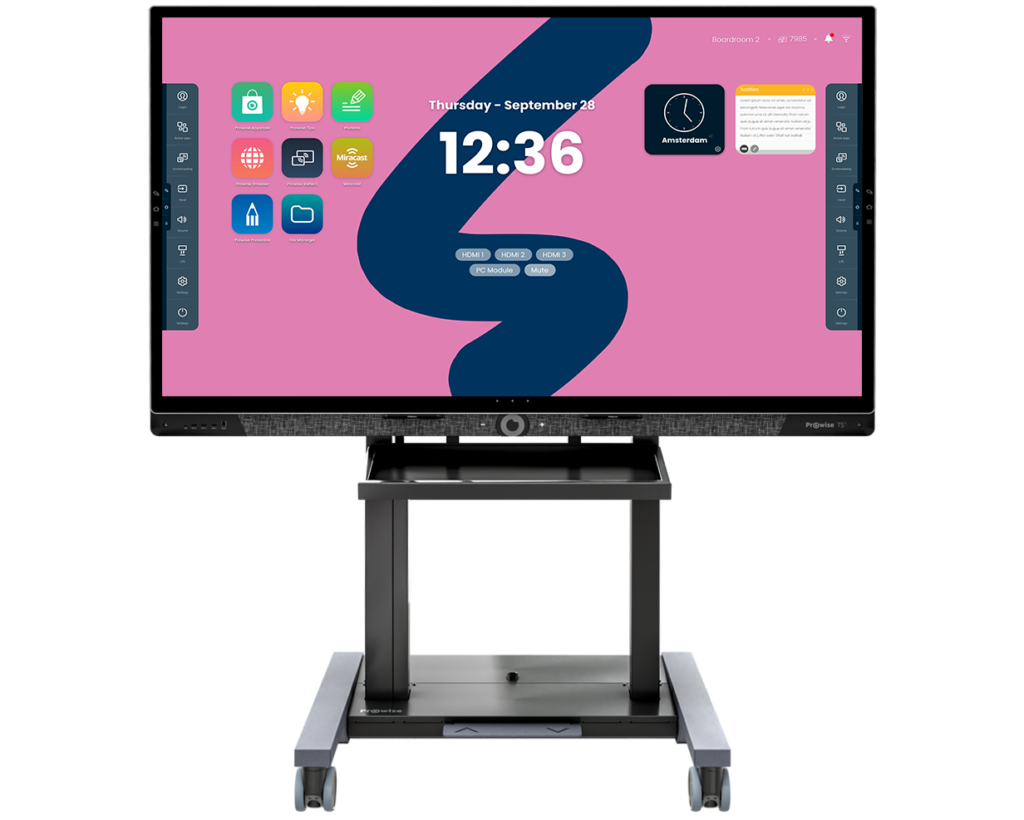
Prowise Neo Lift Systems
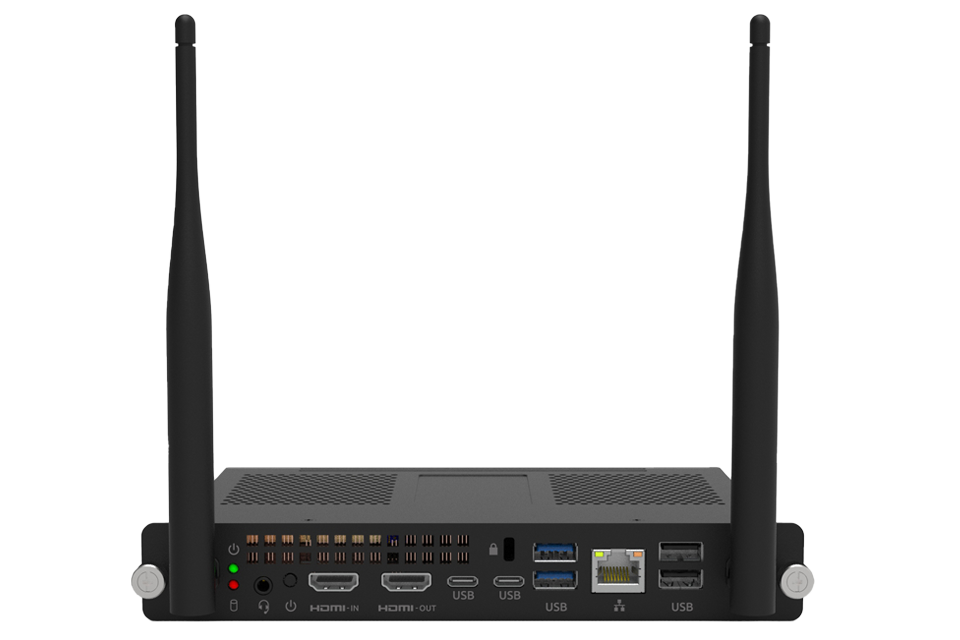
Prowise Pc-modules

Prowise Screen Control
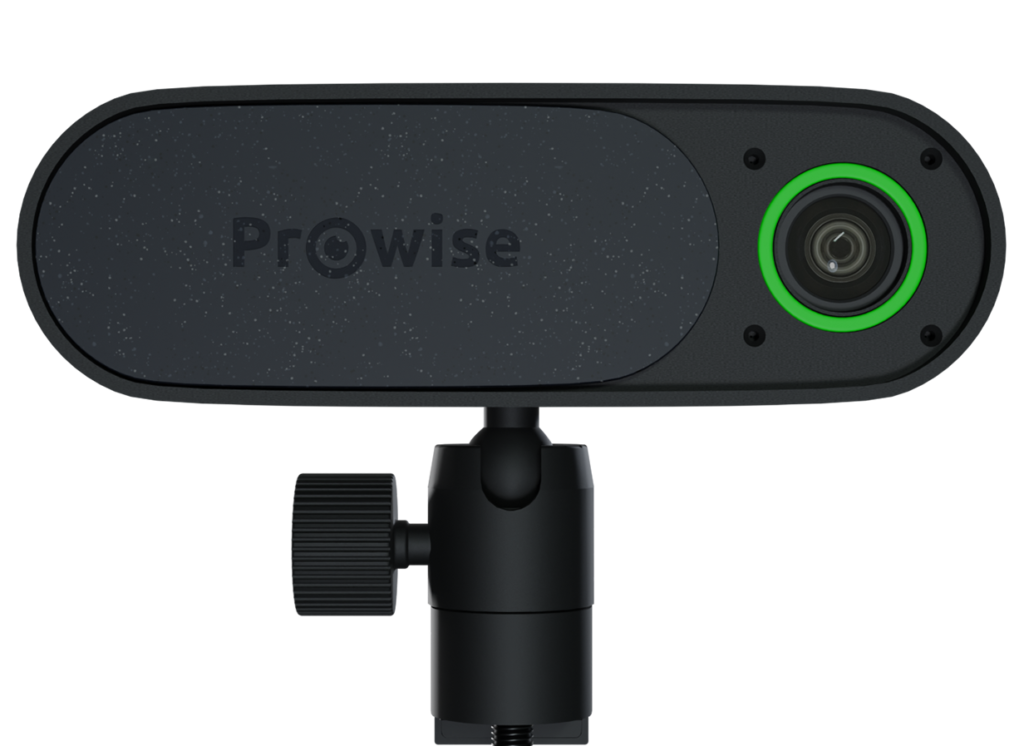
Prowise 4K Move Camera
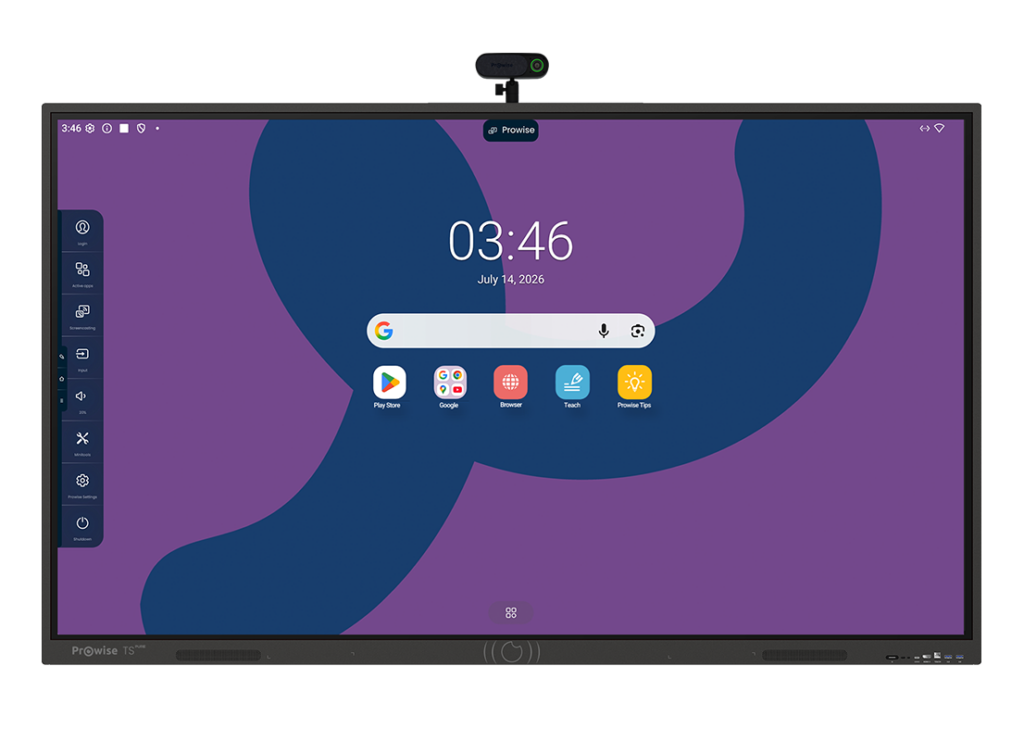
Prowise Touchscreen Pure
