
November 18, 2025
Manage your interactive displays even more easily with the Prowise Screen Control update
More control with the latest version of Prowise Screen Control.
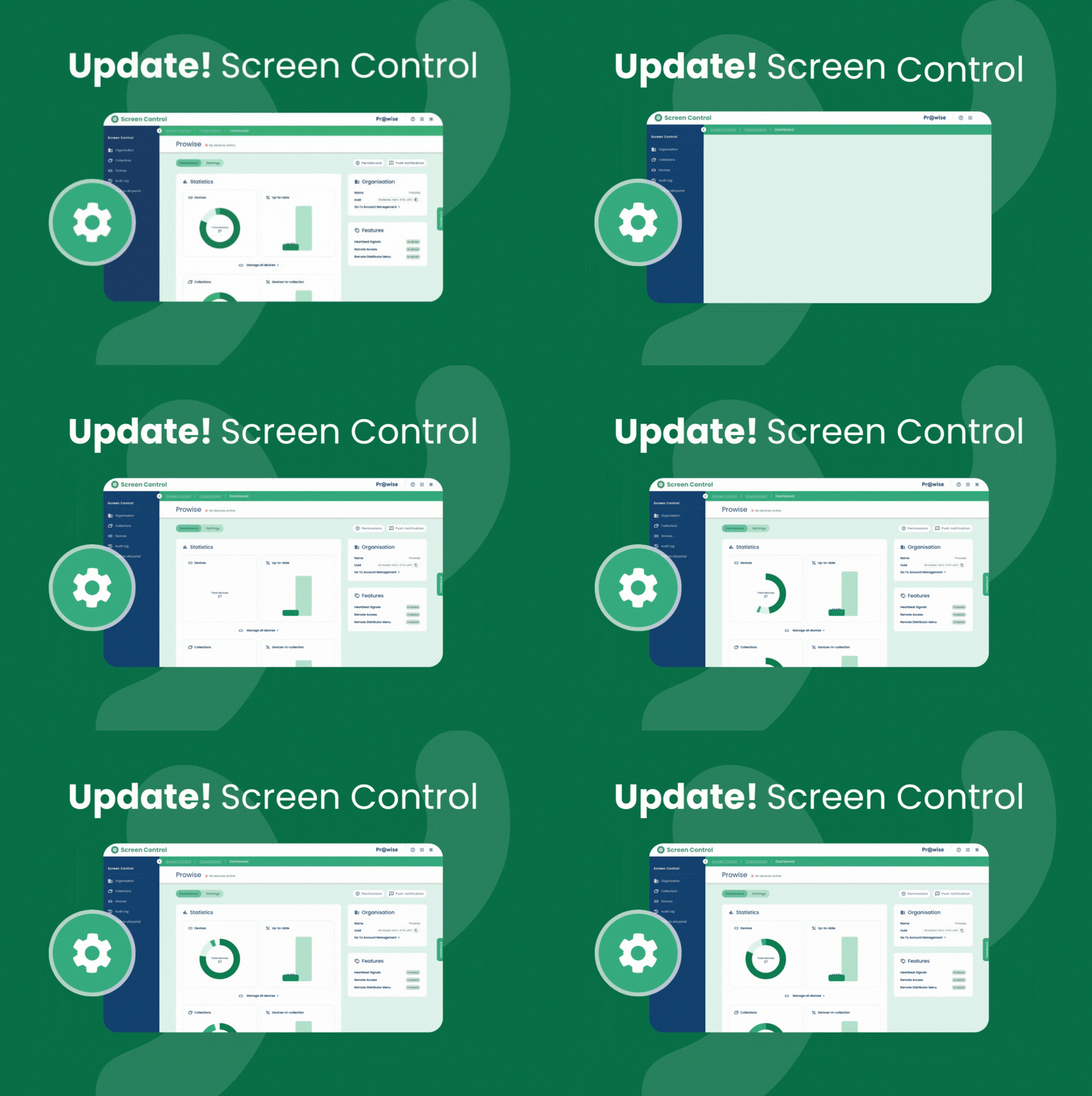
When you log in to Prowise Screen Control, you can try out the completely refreshed interface. We invite you to explore the new environment – with a fresh look, clear structure, and smart features that make your work as an ICT specialist easier.
Getting started is simple: in the current interface, you’ll find a button in the left-hand menu that lets you switch to the new interface. When you click it, you’ll stay logged in and continue in the same browser tab. Want to go back? You can return to the familiar version at any time using the same menu button. The current version of Prowise Screen Control will remain available until January 2026.
What’s new in Prowise Screen Control
Fresh look and feel
In line with our other products and ready for future updates, Prowise Screen Control now has a new, modern design. You can also adjust the data view to your preferences: choose and organise columns and create more clarity with scalable tables.
‘Collections’ instead of ‘Groups’
We’ve renamed ‘Groups’ to ‘Collections’. This better matches widely used management environments, such as Microsoft Intune, making it easier to understand at a glance.
Clear structure
The portal now consists of three main sections: ‘Organisation’, ‘Collections’, and ‘Devices’. This structure helps you quickly find what you need. The central activity log shows exactly who made changes and when – giving you full control and traceability.
Smarter dashboards
On each level – organisation, collection, and device – you’ll find clear dashboards showing key information. For example, you can immediately spot collections with devices that have configuration overrides. From the dashboard, you can click straight into the settings to make adjustments as needed.
Future-proof management
Starting in Q1 2026, you’ll be able to manage both the new Prowise touchscreens with Google EDLA and the Windows touchscreens via the updated interface. This means everything is managed centrally in one place, without the need to switch between different systems.
Prowise Screen Control still feels familiar: many features are in the same place, others are more logically arranged. The update will be rolled out automatically – no action needed on your part.
What is Prowise Screen Control?
Prowise Screen Control is our secure and user-friendly management tool, developed specifically for education and entirely built in-house. It lets you manage all your Prowise interactive displays remotely – from installing apps and updates to adjusting settings or turning screens on and off. Everything is controlled from one central portal.
Thanks to privacy by design and BSI certification, you can trust it’s secure. You stay in control, save time, and ensure that every display in your school or foundation is ready to use. Bonus: Prowise Screen Control is free to use for the first five years!
Questions?
Do you have questions about Prowise Screen Control? Contact our support team at service.prowise.com. Suggestions or ideas to improve the platform? You’ll find a feedback form on the right-hand side of the new interface. We’d love to hear from you!
Related Posts

Visit Prowise at Didacta 2026 in Cologne!

Prowise recertified by Privacy Verified