

June 1, 2026
Update Your Prowise Touchscreen to Prowise Central 7.2 Now
Discover the new features of this powerful update: new management options and improved performance!
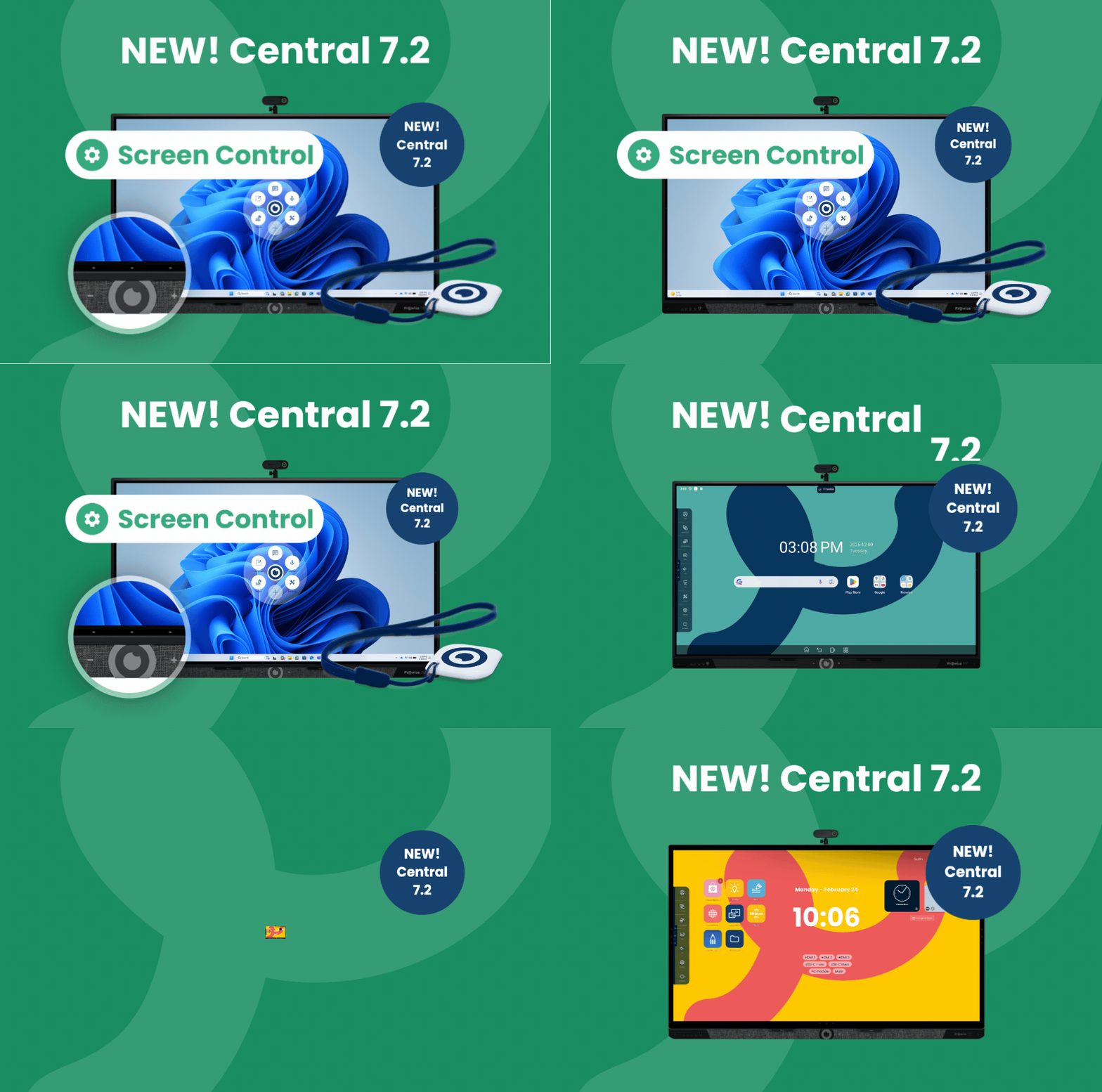
Good news for schools and ICT teams: the latest version of Prowise Central is available. With the release of version 7.2, we introduce new management options, improved performance, and additional insights into your screens. This ensures your Prowise touchscreen works even smarter, more securely, and more easily.
The update will be rolled out in phases starting this week to the following screens:
- Prowise Touchscreen Ultra
- Prowise Touchscreen Ten G4, G3, G3 SE, G2 and G1
- Prowise Touchscreen One G2 and G1
- Prowise Touchscreen G2 and G1
- Prowise Touchscreen Max
What’s new in Prowise Central 7.2?
With this release, we focus on what is truly important for schools: reliability, security, and easy management.
Responsive Safety
When an electric lift system detects an obstacle during movement, an audible signal will now sound. Thanks to the built-in sensors, the lift not only stops immediately but also automatically moves in the opposite direction. This optimally protects screens, furniture, and users.
Always Insight into Network Connection
Whether your screen is connected via Wi-Fi or an ethernet cable: the network status is now visible at a glance. For ICT administrators, we also add the option to manually configure static network settings.
More Control with Prowise Screen Control
Do you manage multiple screens within your school or foundation? Then this update offers additional benefits. Via Prowise Screen Control, you now gain insight into app usage and the available storage space of all linked screens. This allows you to easily maintain an overview and prevent surprises.
More Than Just New Features
In addition to these visible improvements, Prowise Central 7.2 also includes various optimizations, performance enhancements, and bug fixes. This ensures your touchscreen continues to perform reliably throughout every school day.
View the full release notes for a complete overview of all changes.
Update Easily When It Suits You
Screens set to automatic updates will now receive a notification as soon as the new software is available. You then decide whether to install the update immediately or at a later time. Not updated yet? No problem. Your touchscreen will continue to function as you are accustomed to.
Prowise Touchscreen Ten G4: complete control in Prowise Screen Control
Manage all your screens centrally through Prowise Screen Control, just as you’re used to. For the Prowise Touchscreen Ten G4, we are now fully Google-compliant thanks to official Google MDM enrollment. This gives you full control over the Google Play Store and enables Kiosk Mode. As an IT administrator, you can determine exactly which apps are accessible, ensuring the screen remains secure and purpose-driven at all times.
Prowise Touchscreen Max: Prowise Screen Control support and NFC Login!
The Prowise Touchscreen Max is now a fully integrated part of the complete Prowise experience within your school. Everything works seamlessly together.
- NFC Login: No more typing passwords in front of the class. Your Prowise NFC card becomes your digital key: one simple tap and your personal Windows environment is ready to go.
- Remote management: Great news for IT administrators: the Prowise Touchscreen Max can now be fully managed through Prowise Screen Control. No more walking from classroom to classroom—everything can be managed centrally from your desk. Learn more about enrolling a touchscreen in Prowise Screen Control.
- Your screen, your rules: Configure the buttons on the bezel yourself and choose which widgets appear on your home screen. Create a workspace that works exactly the way you want.
Related Posts
After Bundeswehr, ProVitako and KDN also choose Prowise
ProVitako Chooses Prowise Again