

October 13, 2025
New: Prowise Central 7.1 – More control, ease and privacy
Install the latest version of Prowise Central on your interactive display now and discover all the new features.
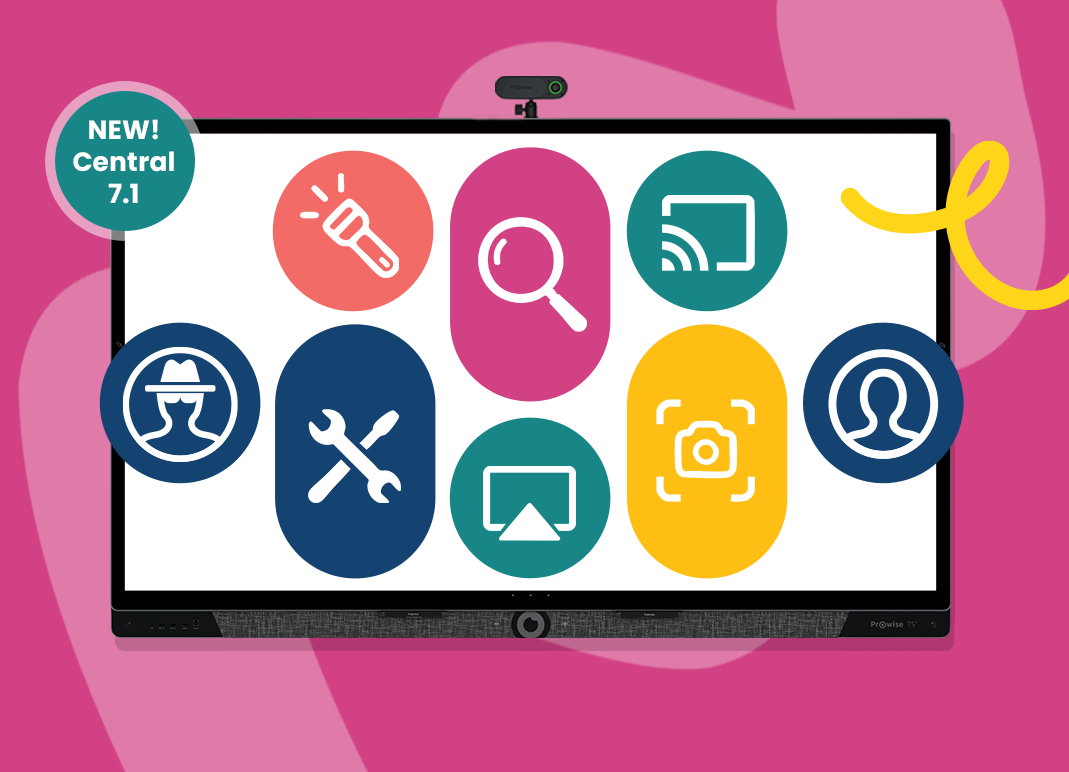
The latest update of Prowise Central is ready for you! Get started with a set of smart improvements – from better privacy and login options to improved audio and simplified classroom tools. All designed to make teaching and management just a little easier and more efficient.
This update applies to the following series:
- Prowise Touchscreen Ultra
- Prowise Touchscreen Ten (G1, G2, G3, SE)
- Prowise Touchscreen One (G1, G2)
- Prowise Touchscreen (G1, G2)
Note: Some functionalities do not apply to every touchscreen. The update will be rolled out in phases from 13 October.
What’s new in Central 7.1?
Privacy mode
With the new privacy mode, user data is automatically erased when the screen is shut down. Perfect for schools where teachers frequently switch classrooms. You’ll find this mode in the menu under ‘Login’.
Smarter login mode
Teachers logging in with a Prowise account now automatically get their browser history, bookmarks, and Prowise Teach settings back. In the future, we’ll be adding even more preferences.
Clearer audio
Audio quality has been improved on the Prowise Touchscreen Ultra and Prowise Touchscreen Ten G3 (SE). You’ll hear the difference during hybrid lessons, listening exercises or when playing videos.
New tools, right where you need them
- Teaching maths or science? Choose the new science keyboard to input formulas and symbols
- Need to explain something quickly? Use the magnifier, spotlight, or take a screenshot – all straight from the menu!
Chromecast improvements
- Choose which device to show on the screen using the remote
- Configure automatic display of the first connection in Screen Control
- Chromecast now works seamlessly again on your touchscreen
Smart features for IT staff
- Set a proxy for LAN connections
- Connect to WebDAV services like NextCloud via the file manager
- Activate the WiFi hotspot widget with one tap
- New settings in Screen Control (audio profiles, display modes, standby timers)
And more!
This update also includes several other new features, enhancements and fixes for Prowise Central and Screen Control. Please note: some features are not available on all models. You can read all the details in the release notes.
Update tips
- Read here how to install the update
- Haven’t installed the update yet? No problem, your screen will still work as usual.
- Questions? Visit our knowledge base for support.
Highest privacy and security standards
That our products comply with strict European privacy legislation goes without saying. But privacy protection does not stop there for us. Everything is also extensively and regularly tested, including by ethical hackers and independent certifiers. And it pays off: as the only producer of educational software, we received the prestigious IT-Grundschutz certification from the German BSI.
Related Posts
After Bundeswehr, ProVitako and KDN also choose Prowise

ProVitako Chooses Prowise Again