




Button Tutorials
Learn about the most important functions and features of our Prowise touchscreens.
Digital button tutorials are available for the Prowise Touchscreen Ten G4 and G5, Prowise Touchscreen Max, and Prowise Touchscreen Ultra.
Our educational software Prowise Teach has a separate instructional video.
Prowise Teach
Prowise Teach is the whiteboard software we developed with and for education. Whether you teach preschoolers, high school students, or university students, Prowise Teach helps you make your lessons smarter and more efficient every day. Watch the video to learn about the most important features.
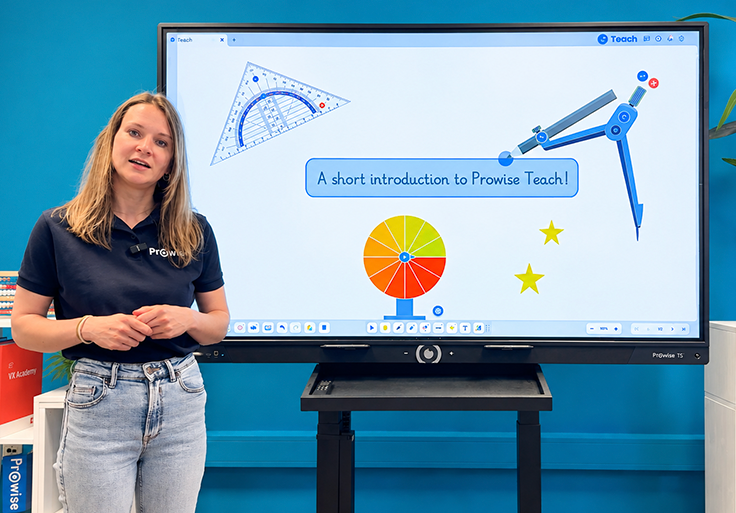
Prowise Teach
Discover the most important features of our educational software Prowise Teach.
Prowise Touchscreens
Through the videos below, you will get acquainted with all the options your touchscreens have to offer. In the bottom left or right corner of the screen, you will find the name of the interactive whiteboard. You can also find the name in the Prowise Central software. Open the settings menu and click ‘About’. Via the link below, you can view all models and determine which screen you have.
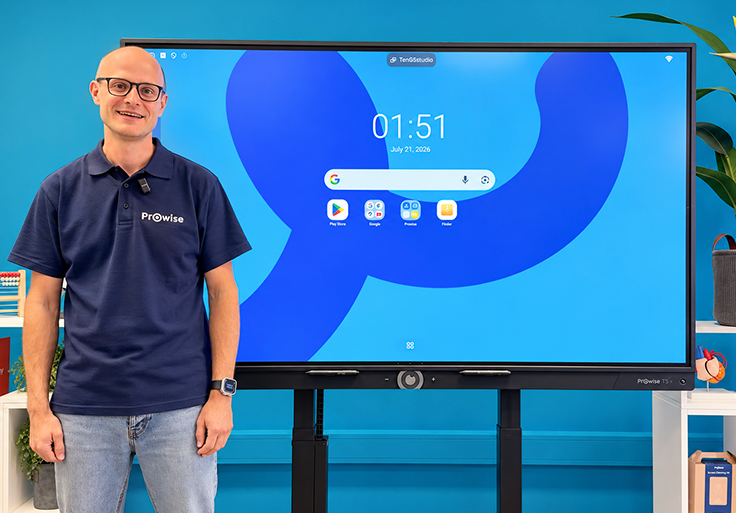
Prowise Touchscreen Ten G5
In this video, you will discover the most important functions and features of the Prowise Touchscreen Ten G5.
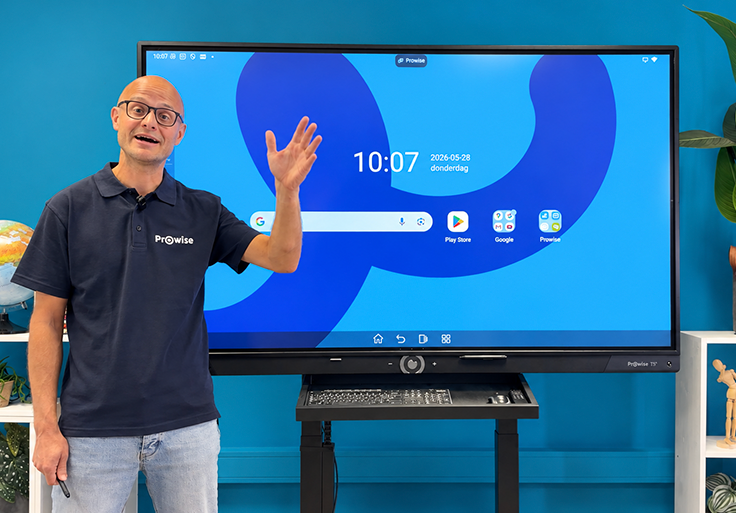
Prowise Touchscreen Ten G4
This video shows how to optimally use the Prowise Touchscreen Ten G4 in your classroom.
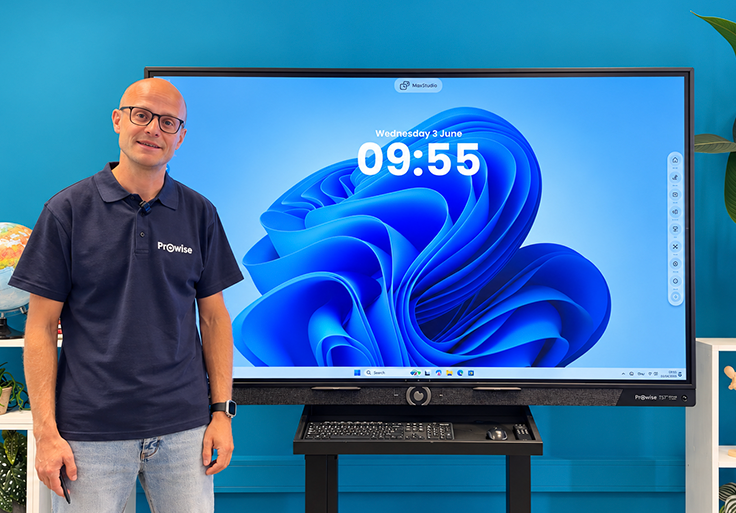
Prowise Touchscreen Max
In this video, you will get acquainted with the powerful capabilities of the Prowise Touchscreen Max.
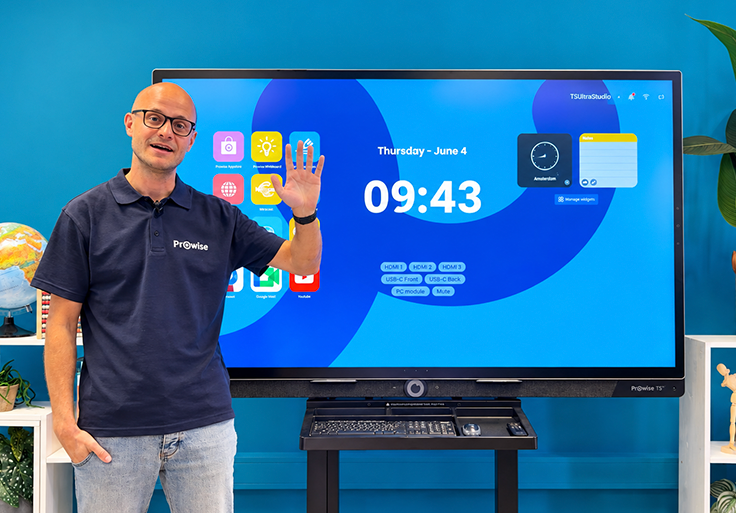
Prowise Touchscreen Ultra
In this video, you will discover what makes the Prowise Touchscreen Ultra so special.
Do you have additional questions?
On our special service website, we have collected frequently asked questions, manuals, and knowledge base items for you. You can find tips, explanations, and contact our enthusiastic colleagues from the service department there.